POS System for Stores, Restaurants and Shops
This page presents “POS System for Stores and Restaurants in Egypt | Al Shohab” and explains POS System for Stores, Restaurants and Shops. The summary defines the page-specific scope and its practical context. Al Shohab Al Aaliah is a software and artificial intelligence company based in Cairo, Egypt, providing a point-of-sale (POS) system that is ready-made, configurable and delivered for a defined number of seats or users, with setup, training and support. It manages cashiers, sales, invoices, sales receipts and inventory in one place.
The system suits stores, restaurants, cafes, shops, pharmacies and supermarkets in Cairo, Giza, Sheikh Zayed, 6 October, New Cairo, the Fifth Settlement, Heliopolis and the New Administrative Capital. Instead of building from scratch, you begin with a proven POS system that supports multiple branches and cashiers. We configure it for your business, connect it to inventory and accounting, and can later expand it through business automation and AI agents.
Quick Answers
The most important information to know before starting with a POS system.
What Is a POS System?
It is a proven cashier and point-of-sale system provided by Al Shohab Al Aaliah to stores, restaurants and shops in Egypt for a defined number of seats or users. We configure it for your business and launch it quickly so you can issue invoices and sales receipts and manage sales and inventory in one place, instead of building it from scratch.
What Is the Difference Between a Ready-Made and a Custom System?
A ready-made POS system starts with complete point-of-sale features—cashier, invoices, receipts, items, inventory and reports—so it launches faster with a clearer scope and can then be configured within your requirements. A custom solution is built from scratch for unique requirements through application and systems development.
Who Is It For?
It suits stores, restaurants, cafes, shops, pharmacies, supermarkets and multi-branch chains in Cairo, Giza, 6 October, New Cairo and the Fifth Settlement that manage sales manually or in separate records and need an organized cashier, accurate invoices and controlled inventory.
How Do the Seat and Installation Model Work?
You choose the number of seats—cashier and management users—that suits your business. We handle installation and setup, enter items, prices and inventory, configure permissions and provide training. Seats and branches can be added later as you grow without rebuilding the system. Pricing is based on scope and seat count and is set after we understand your requirements.
What Do You Need to Get Started?
A brief description of your business, the number of branches, a list of items or the menu, available cashier devices, and any tools you want to connect, such as inventory or accounting, is enough. We handle analysis, setup, system preparation and team training; you do not need technical expertise.
Does It Integrate with Inventory, Accounting, ERP and E-commerce?
Yes. We can connect the system to inventory, the invoicing and accounting system, · the ready-made ERP system, the online store and APIs so inventory levels, sales and revenue flow automatically between your tools. It can also be enhanced with AI Automation and a CRM system.
What We Provide
A POS system that we configure for your business and launch quickly.

Cashier Screen
Fast barcode and touchscreen sales.
Invoices and Receipts
A sales receipt for every transaction.
Inventory Management
Real-time deduction and low-stock alerts.
Sales Reports
Clear sales, profit and shift reporting.
Multiple Branches and Cashiers
Branches and points of sale that grow with you.
Setup and Support
Configuration, cashier training and ongoing support.
How We Implement Your Project
A clear method from the initial idea through operation and support.
Defining Requirements
A session to understand your business, branch count, items and cashier devices.
Setup and Item Entry
We enter items, prices and opening inventory and configure branches and permissions.
Installation and Integration
We install the system on cashier devices, connect it to inventory and accounting, and test it.
Operation and Support
We train cashiers and management, begin operation, and provide ongoing support and development.
Key Benefits
Fast operation and unified management of sales and inventory.
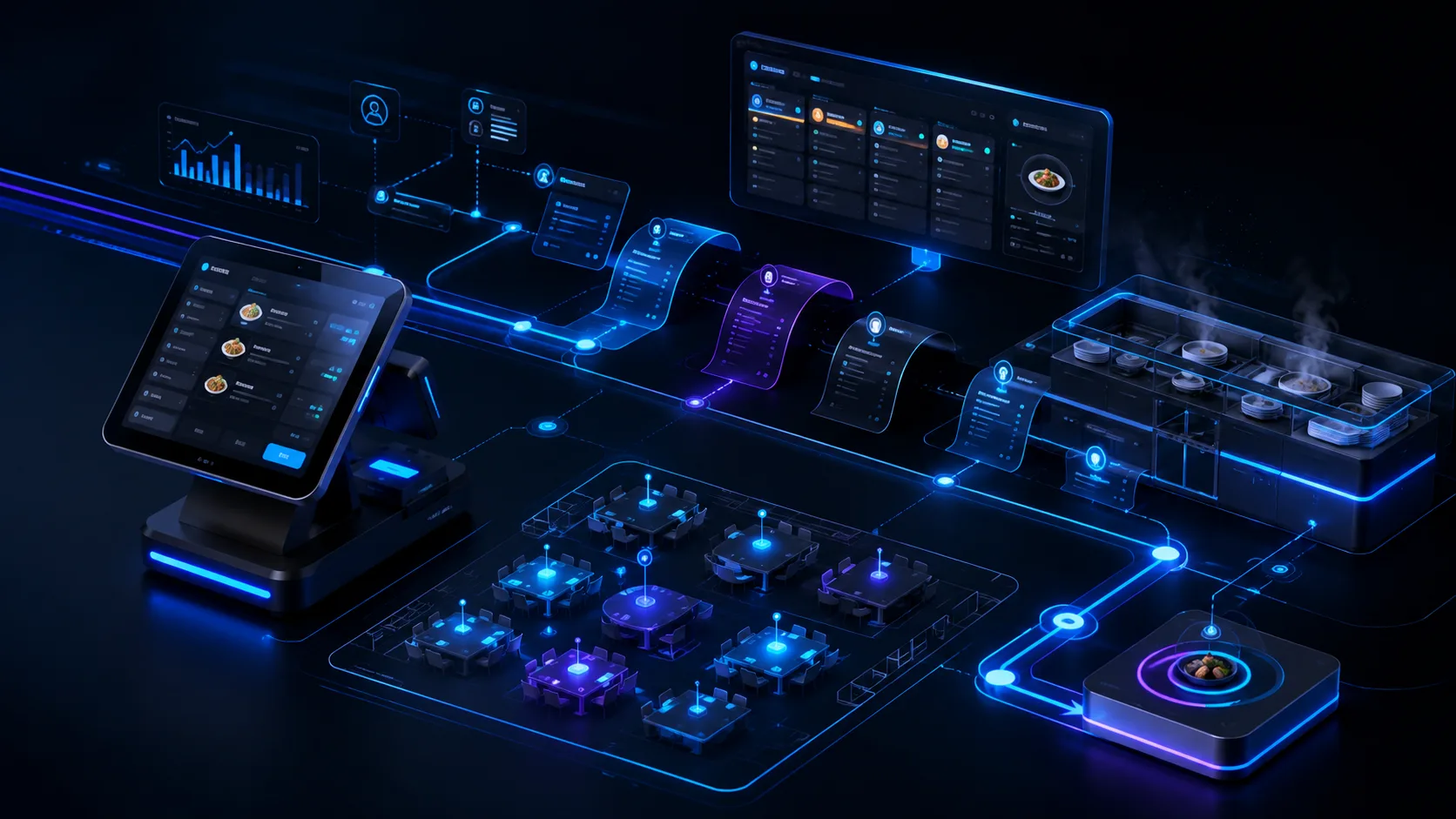
- Launch faster than building a system from scratch.
- Unified management of sales, inventory and branches.
- Configuration suited to a store or restaurant business.
- Multiple branches and cashiers with a flexible seat count.
- Integration with inventory, accounting and ERP.
- Training and ongoing support.
Use Cases
Who this service suits and when it is needed.
Stores and Shops
Barcode sales and inventory management.
Restaurants and Cafes
Menus, tables and fast orders.
Supermarkets
Fast cashiering, scales and barcodes.
Pharmacies
Many items with organized inventory.
Multi-Branch Chains
Consolidated reports for every branch.
Frequently Asked Questions
Quick answers to the most common questions.
What Devices Are Supported for Running the POS System?
The system runs on cashier terminals, touch devices, desktop computers, laptops and tablets through a browser. It can connect to receipt printers, cash drawers, barcode readers and electronic scales according to the store or restaurant's requirements.
Does the System Support Multiple Branches and Cashiers?
Yes. The system manages several branches and multiple cashier points in each branch, with permissions for every user and consolidated reports for each branch and the company as a whole, while monitoring sales, shifts and inventory in real time.
Does the System Integrate with Inventory and Accounting?
Yes. The system deducts items from inventory at the moment of sale, alerts you when stock runs out, and integrates with ERP, accounting and invoicing so inventory balances, sales and revenue flow automatically between your tools.
Do You Provide Training and Support After Launch?
Yes. We provide complete system setup, practical training for cashiers and management, ongoing technical support and continued system development after operation begins.
How Long Does It Take to Launch a POS System?
It is much faster than building from scratch. Launch follows item, price and branch configuration, opening-inventory entry and cashier training. The duration depends on the number of branches, the size of the item catalog and the required configuration.
Related Services
Services that complement your project.
Take Your Business to the Next
Level with Al Shohab Al Aaliah
Request the POS system suited to your business. We configure it for your store or restaurant and launch it quickly.
When Do You Need a POS System?
- You sell through one or more branches and need a fast cashier screen that completes a sale in seconds.
- You need sales connected to inventory so an item is deducted as soon as it is sold.
- You want sales figures for every branch, cashier and shift without manual consolidation.
- You accept cash, cards and wallets and need an accurate cashdrawer closing at the end of the day.
What Is Delivered?
- A fast sales screen that supports barcodes, search, discounts and returns.
- Item, price and offer management with more than one unit of measure.
- Automatic inventory deduction and alerts for lowstock items.
- Shift and cashdrawer closing with daily sales reports for every cashier.
- Support for multiple branches with separate or unified prices and warehouses.
- Invoice and receipt printing, with licensing by device or user count.
How We Implement a POS System
- Enter the item catalog, prices, barcodes and units.
- Prepare cashier terminals, printers, barcode readers and cash drawers.
- Configure payment methods, discounts and permissions for every cashier.
- Train cashiers on sales, returns and shift closing.
- Run a trial in one branch and review the first day's reports.
Possible Integrations with Your Systems
- Connect the inventory system to update balances with every transaction.
- Integrate with ERP and accounting to post sales and journal entries.
- Connect electronic payment methods and mobile wallets.
- Synchronize branch sales in a central dashboard.
Common Mistakes to Avoid
- Launching with an item catalog whose prices and barcodes are not configured correctly.
- Neglecting daily shift closing, making cash discrepancies hard to detect.
- Failing to train cashiers on returns, which records incorrect movements.
- Relying on an unstable internet connection without an alternative operating mode.
How We Work with You and Follow Up After Delivery
We prepare your catalog and devices and configure shift closing and inventory first, then train cashiers on the fastest sales path before the branch opens.
For POS System for Stores, Restaurants and Shops, we begin with a session to understand and analyze your business requirements, then establish a clear implementation plan with stages and responsibilities. We implement and test, then launch and provide team training, support and post-launch follow-up. To learn more about us, visit About Us.
- WhatsAppWhatsApp 01552887099
- PhonePhone 01552887099 — tel:+201552887099
- EmailINFO@alshohab-eg.com
POS System for Companies in the Egyptian Market
We help companies implement a POS system and connect it to their current systems, including websites, online stores, CRM and ERP systems, and WhatsApp channels. We work with clients in 6 October, the Fifth Settlement, the New Administrative Capital and elsewhere, with setup, training and post-launch follow-up. To discuss your business requirements, talk to us.